Candy Bricks: game guide
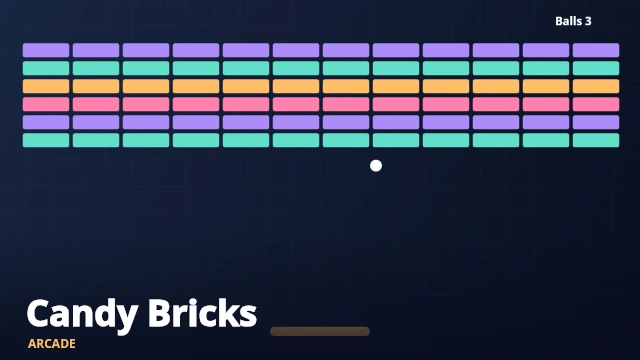
Candy Bricks is a free arcade browser game. Bounce the ball into the bricks and clear the entire wall before losing your three balls.
How to play Candy Bricks
Bounce the ball into the bricks and clear the entire wall before losing your three balls.
The wall contains 6 rows of bricks and the ball uses speed setting 4.7. You have three balls for each attempt.
Controls
Move the mouse or drag to position the paddle. Arrow keys also work.
Tips and strategy
Use the edges of the paddle to change the bounce angle and open a channel through the wall.
Start with a short practice round to learn how this edition responds. Watch the result of one action before making the next adjustment. Restart gives you a clean attempt, while Pause lets you stop without losing your current round.
Play Candy Bricks on mobile or desktop
The game runs in a modern browser without an app download or account. Desktop controls are listed above. Touch controls are included where the game needs them; landscape orientation gives arcade games more space. Puzzle and card boards can be scrolled inside the player if your screen is small.
Personal scores and saved games
Completed-round high scores, favorites and your recently played list are stored on this device when browser storage is available. There is no global leaderboard or cloud synchronization. Your current unfinished round is not saved after closing the page. Clearing browser data, using private browsing or changing browsers can remove local records.
Frequently asked questions
Is Candy Bricks free to play?
Yes. This edition is free to launch here, without payment or an account. Your browser needs internet access to load the page and game assets.
Is this the official CrazyGames game?
No. MyCrazyGames is an independent arcade with original browser games and themed editions. It is not affiliated with CrazyGames, Poki or the developers of games on those websites.
Explore more arcade games or browse all free online games.